Sending Emails in Django – Complete Step‑by‑Step Tutorial
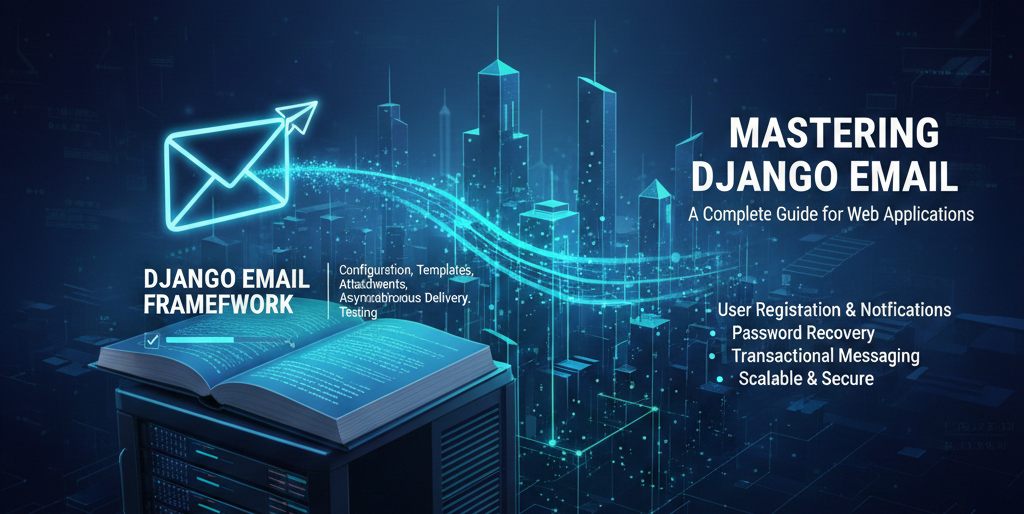
This tutorial explains everything you need to know to send emails in Django, from basic setup to advanced use cases and testing. You can copy and paste this directly into your website.
1. How Email Works in Django (Concept)
Django sends emails using email backends. An email backend defines where and how emails are delivered.
Common backends:
-
Console (prints email to terminal)
-
File-based (saves email as files)
-
SMTP (real emails via Gmail, Outlook, custom servers)
-
In‑memory (used for testing)
2. Required Settings for Email in Django
All email configurations go inside settings.py.
Core Email Settings
EMAIL_BACKEND = 'django.core.mail.backends.smtp.EmailBackend'
EMAIL_HOST = 'smtp.gmail.com'
EMAIL_PORT = 587
EMAIL_USE_TLS = True
EMAIL_HOST_USER = 'your_email@gmail.com'
EMAIL_HOST_PASSWORD = 'your_app_password'
DEFAULT_FROM_EMAIL = 'Your App <your_email@gmail.com>'
3. Sending a Simple Email (send_mail)
Basic Example
from django.core.mail import send_mail
from django.conf import settings

send_mail(
    subject='Welcome to Our App',
    message='Thank you for registering.',
    from_email=settings.DEFAULT_FROM_EMAIL,
    recipient_list=['user@example.com'],
    fail_silently=False,
)
Parameters Explained
| Parameter | Description |
|---|---|
| subject | Email subject |
| message | Plain text body |
| from_email | Sender address |
| recipient_list | List of recipients |
| fail_silently | Raise error if False |
4. Sending HTML Emails
Using EmailMessage
from django.core.mail import EmailMessage

email = EmailMessage(
    subject='Account Activated',
    body='<h1>Welcome!</h1><p>Your account is active.</p>',
    from_email='noreply@example.com',
    to=['user@example.com'],
)

email.content_subtype = 'html'
email.send()
5. Sending HTML Email Using Templates (Recommended)
Step 1: Create Email Template
templates/emails/welcome.html
<h2>Hello {{ user_name }}</h2>
<p>Thanks for joining {{ site_name }}.</p>
Step 2: Render Template and Send
from django.template.loader import render_to_string
from django.core.mail import EmailMessage

html_content = render_to_string('emails/welcome.html', {
    'user_name': 'John',
    'site_name': 'My App'
})

email = EmailMessage(
    subject='Welcome!',
    body=html_content,
    to=['john@example.com']
)

email.content_subtype = 'html'
email.send()
6. Sending Emails With Attachments
email = EmailMessage(
    subject='Invoice',
    body='Please find attached invoice.',
    to=['client@example.com'],
)

email.attach_file('/path/to/invoice.pdf')
email.send()
7. Sending Emails to Multiple Users
recipients = ['a@example.com', 'b@example.com', 'c@example.com']

send_mail(
    'Announcement',
    'New update released.',
    'noreply@example.com',
    recipients
)
8. Email Backends for Development & Testing
8.1 Console Email Backend (Recommended for Dev)
Emails will print in terminal instead of sending.
EMAIL_BACKEND = 'django.core.mail.backends.console.EmailBackend'
8.2 File‑Based Email Backend
Emails saved as files.
EMAIL_BACKEND = 'django.core.mail.backends.filebased.EmailBackend'
EMAIL_FILE_PATH = BASE_DIR / 'sent_emails'
8.3 In‑Memory Email Backend (For Unit Tests)
EMAIL_BACKEND = 'django.core.mail.backends.locmem.EmailBackend'
9. Using Gmail SMTP (Important Notes)
Steps
-
Enable 2‑Step Verification in Google account
-
Generate App Password
-
Use App Password instead of real password
10. Best Practices
-
Use environment variables
-
Use HTML templates
-
Send emails asynchronously
-
Log email failures
-
Never block HTTP requests
11. Summary
Django provides a powerful and flexible email system. With correct configuration, templates, testing backends, and async processing, you can safely send production‑ready emails.
This guide covers development, production, and testing email workflows completely.